Vespucci
Vespucci is an Open Street Map editor for Android.
This software requires the RTK device to connect over TCP. Be sure you have a local WiFi network entered into the configuration settings, have a TCP Client or Server enabled, and have noted the TCP port (it's 2947 by default).
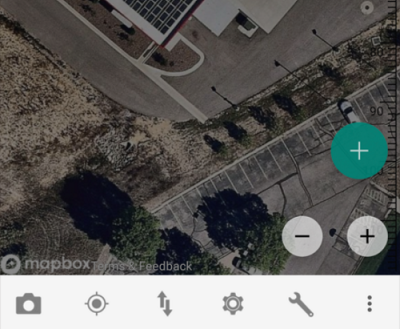
With a map open, select the gear icon on the bottom bar.
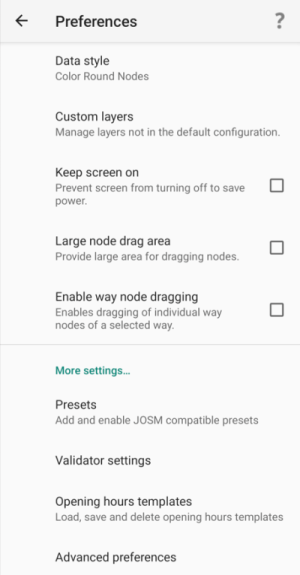
From the Preferences menu, scroll to the bottom and select Advanced Preferences.
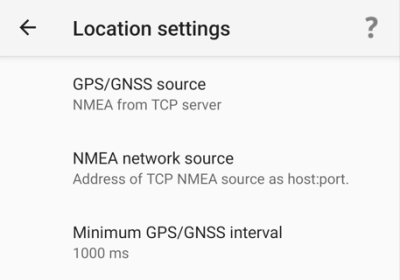
Select Location settings.
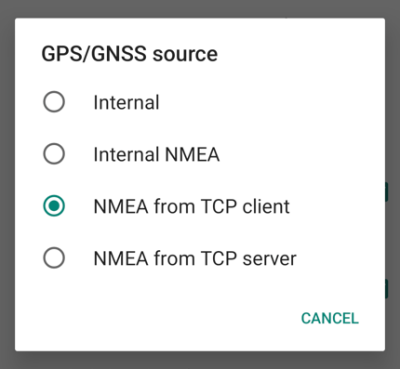
Select GPS/GNSS source. Select NMEA from TCP client. TCP server is also supported.
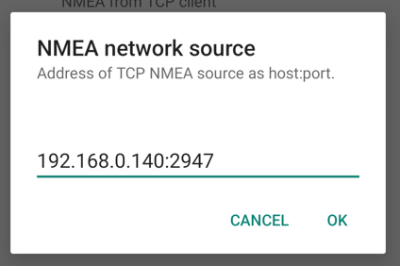
Select NMEA network source. Enter the IP address and TCP port of the RTK device. The IP address can be found by opening a serial terminal while connected to WiFi (it is reported every few seconds). The TCP port is entered into the configuration settings.
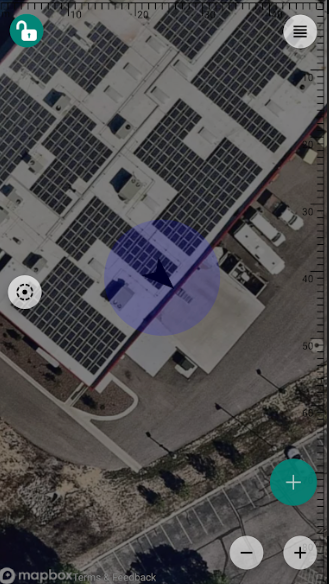
Close all menus and you should see your location within Vespucci.