ArcGIS QuickCapture
ArcGIS QuickCapture by Esri is a popular GIS app. Unfortunately it does not allow Bluetooth connections to 3rd party devices. To enable a connection to the FPL, a mock location and an intermediary app such as GNSS Master or Lefebure is needed.
Once a mock location provider is setup, open QuickCapture.
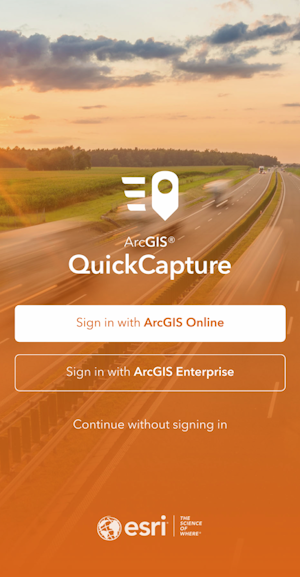
For the purposes of this demonstration, click Continue without signing in.
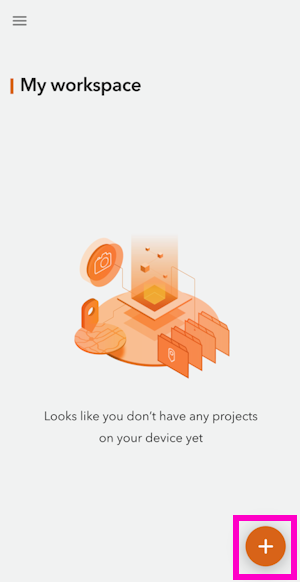
Select the + then Browse Projects.
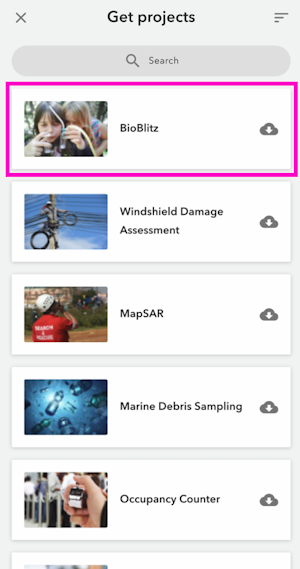
Select a project.
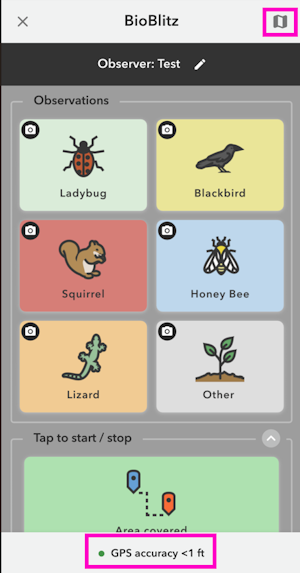
From the BioBlitz project screen we can see we have a GPS accuracy of less than 1 ft. The FPL has RTK fix and is providing extremely accurate (better than 20mm or 1") positional data.
Click the map icon in the upper right.
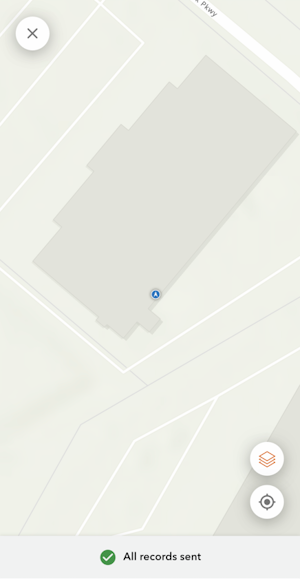
The location of the receiver is shown on a map. With GNSS Master or Lefebure providing the mock location to the phone, QuickCapture will have a very precise GNSS location and data collection can begin.