Field Genius
Field Genius for Android is another good solution, albeit a lot more expensive than free.
Be sure your device is paired over Bluetooth.
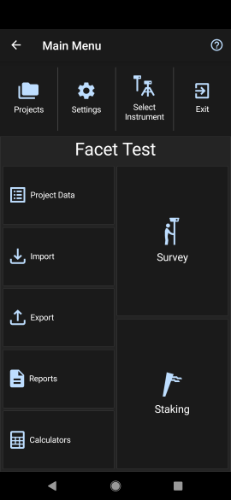
From the Main Menu open Select Instrument.
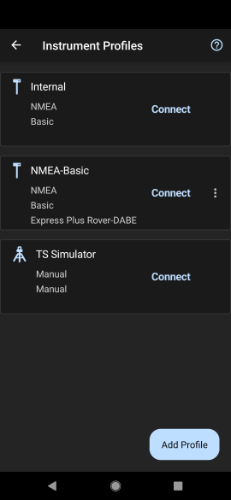
Click the Add Profile button.
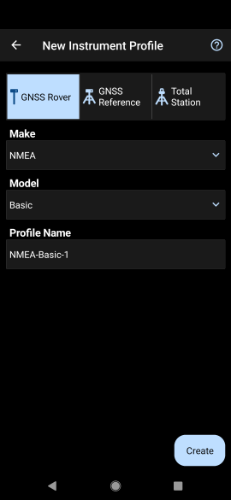
Click GNSS Rover and select NMEA as the Make. Set your Profile Name to something memorable like SparkPNT then click the Create button.
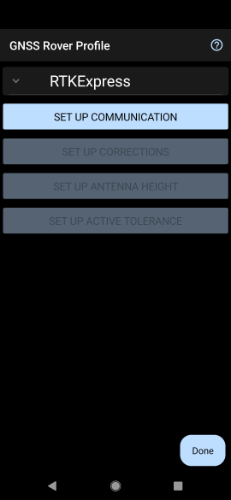
Click on SET UP COMMUNICATION.
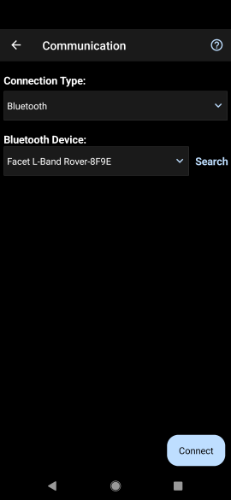
From the Bluetooth communication page, click the Search button.
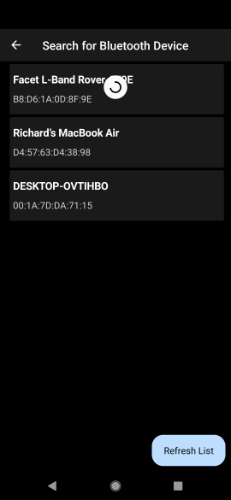
You will be shown a list of paired devices. Select the SparkPNT FPL-###### then click Connect. The FPL will connect and a Bluetooth icon should appear next to the MAC address on the OLED display, which indicates the link is open.
NTRIP Client
If you’re using a serial radio to connect a Base to a Rover for your correction data; then, you can skip this part.
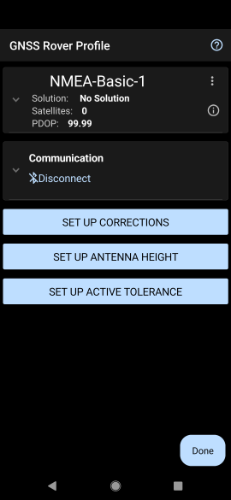
We need to send RTCM correction data from the phone back to the FPL so that it can improve its fix accuracy. Your phone can be the radio link! Click on SET UP CORRECTIONS.
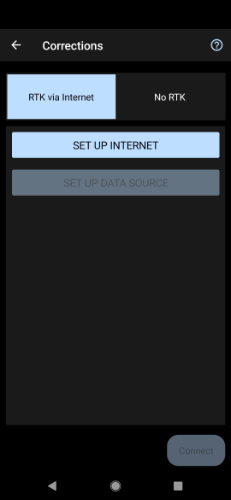
Click on RTK via Internet then SET UP INTERNET, then Done.
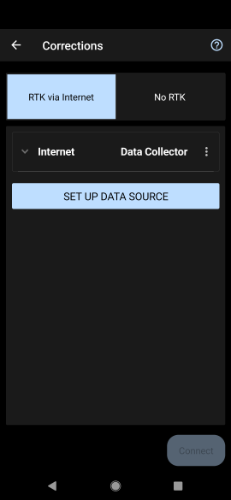
Click on SET UP DATA SOURCE.
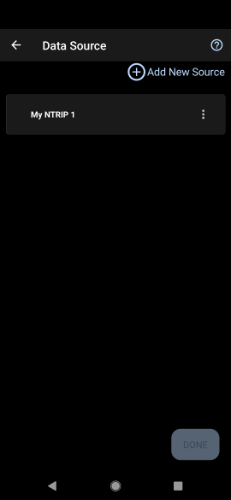
Click Add New Source.
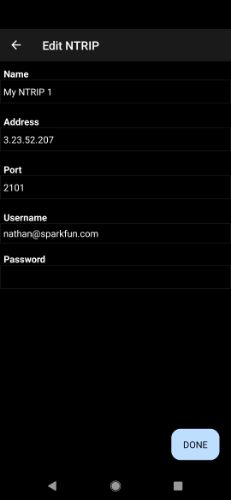
Enter your NTRIP Caster credentials and click DONE.
What's an NTRIP Caster? In a nutshell, it's a server that is sending out correction data every second. There are thousands of sites around the globe that calculate the perturbations in the ionosphere and troposphere that decrease the accuracy of GNSS accuracy. Once the inaccuracies are known, correction values are encoded into data packets in the RTCM format. You, the user, don't need to know how to decode or deal with RTCM, you simply need to get RTCM from a source within 10km of your location into the FPL. The NTRIP client logs into the server (also known as the NTRIP caster) and grabs that data, every second, and sends it over Bluetooth to the FPL.
Don't have access to an NTRIP Caster? You can use a 2nd RTK product operating in Base mode to provide the correction data. Checkout Creating a Permanent Base. If you'd just like a service, Syklark provides RTCM coverage for $49 a month (as of writing) and is extremely easy to set up and use. Remember, you can always use a 2nd RTK device in Base mode to provide RTCM correction data but it will be less accurate than a fixed position caster.
Click My NTRIP1 then Done and Connect.
You will then be presented with a list of Mount Points. Select the mount point you'd like to use then click Select then Confirm.
Select Done then from the main menu select Survey to begin using the device.
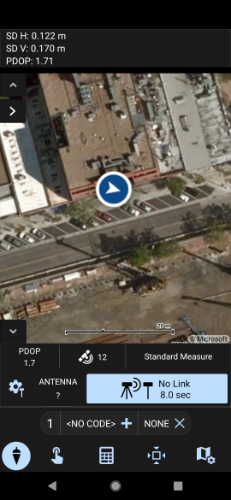
Now you can begin using the FPL with Field Genius.