QField
QField is a free GIS Android app that runs QGIS.

Reset to Surveying Defaults button
First, configure the FPL to output only NMEA messages. QField currently does not correctly parse other messages such as RAWX or RTCM so these will interfere with communication if they are enabled.
These FPL settings can configured through the WiFi connection.
Create an account and project on QFieldCloud. This project will be synchronized and viewable on the QField app.
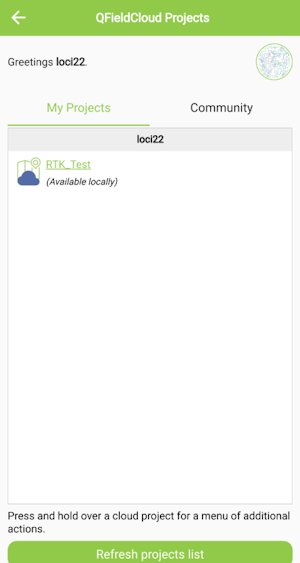
Once the project is created, press the Refresh projects list button to update the list. Then select your project.
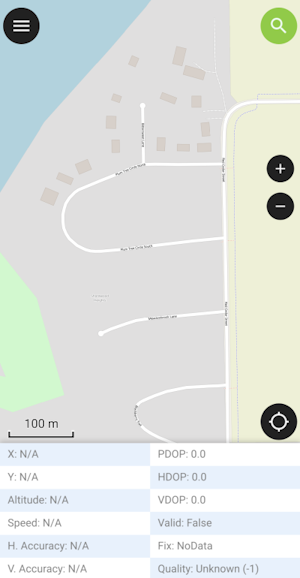
Hamburger menu in upper right corner
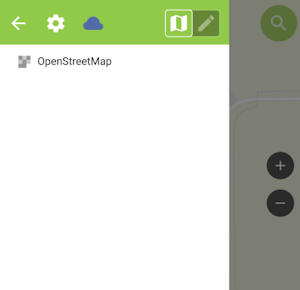
Press the icon in the top left corner of the app to open the project settings.
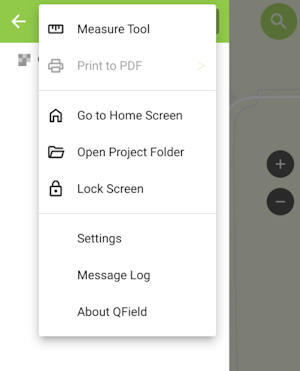
From the project settings menu, press the gear icon to open the device settings dropdown menu.
From the submenu, select Settings.
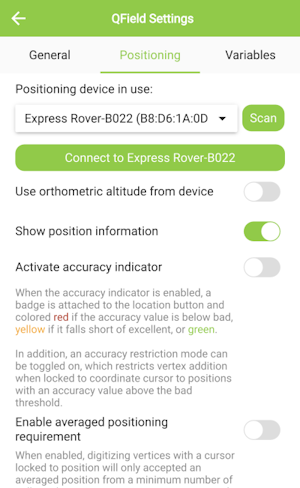
Select the Positioning Menu. Then, with your FPL on and in normal mode (not AP Config) press the Scan button in the QField app to update the dropdown list of available Bluetooth devices. If your device is not detected, be sure you've paired your cellphone or laptop with Bluetooth.
Once connected exit out of the menus and see position information within your project.