ArcGIS Field Maps
Currently, ArcGIS Field Maps only works with MFi certified SparkPNT devices. As of writing, the TX2 is MFi certified.
ArcGIS Field Maps does not have a built-in NTRIP Client so to get corrections into the SparkPNT device we will use SW Maps over BLE. Install SW Maps from the app store.
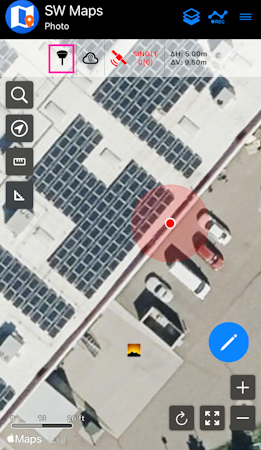
Before opening Field Maps, open SW Maps. Shown above, click on the receiver icon to Connect to the receiver.
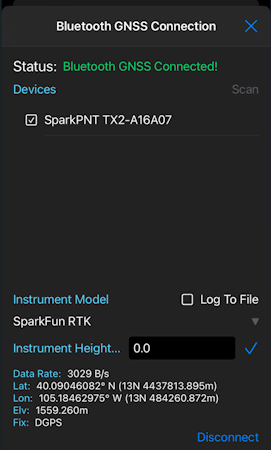
Do a scan. Connect to the SparkPNT device. If multiple SparkPNT devices are detected, look at the device ID printed on the outside of the device. The last 6 characters of the device ID will be broadcast as part of the device name.
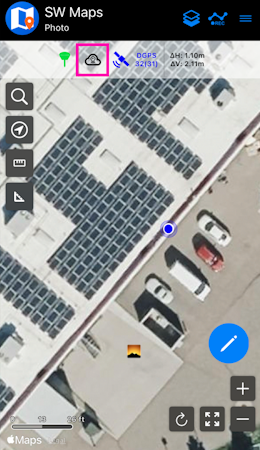
Once connected, close the device settings and from the main window (shown above) click on the cloud icon to open the NTRIP Client settings.
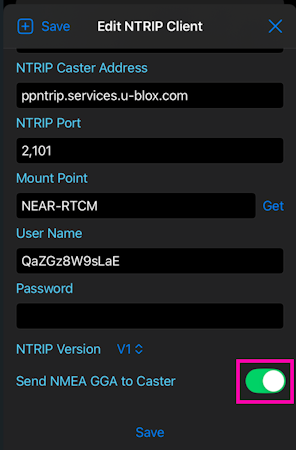
Enter the credentials for the NTRIP Caster. Any correction service is compatible. Shown above are settings used for PointPerfect ($15/month). Contact us to setup service or see Correction Sources for a list of available providers.
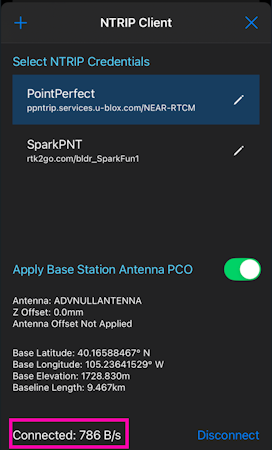
Once the credentials are entered, click on 'Connect'. Confirm the data rate is more than 0 bytes per second, then close the settings to return to the main window.
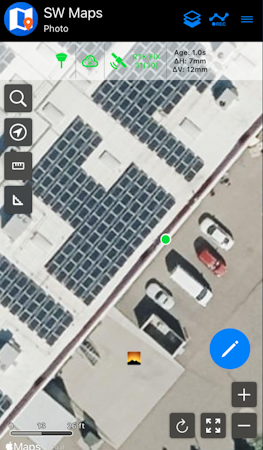
Above, we see the device has achieved an RTK Fix with 7mm horizontal accuracy.
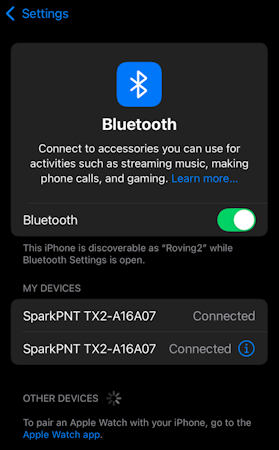
Open Bluetooth settings and connect to the second SparkPNT device. The first listing represents the connection to SW Maps over BLE. The second listing is for connecting over Bluetooth Classic (completed over MFi).
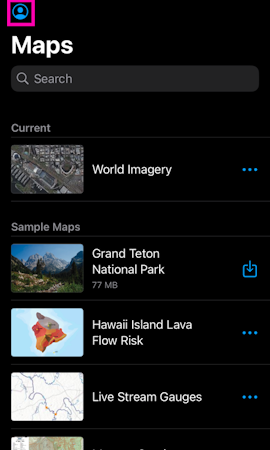
Open Field Maps. Click on the Profile icon.
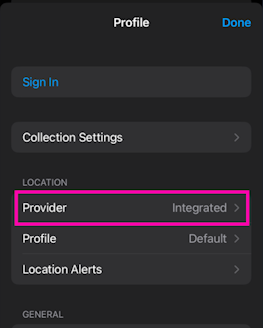
Click on the Provider to change it.
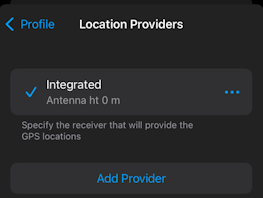
Above, select Add a provider'.
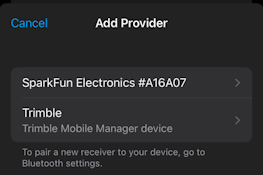
Above, select the SparkFun Electronics provider type.
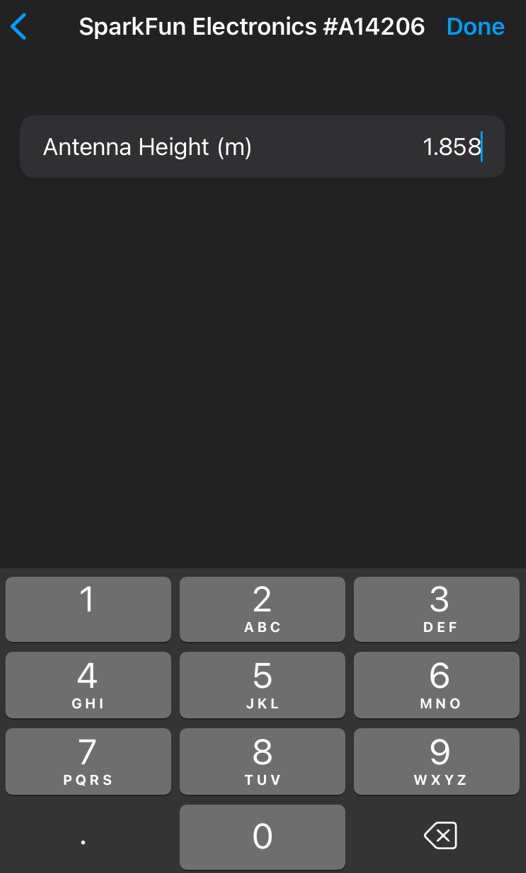
On this step, take your time entering the antenna height information. This value, in meters, is the combined value of the pole length that will be used (1.8m is common) plus the antenna phase center (APC) of the FPL. Above, the total length is entered with a 1.8m pole + 58mm APC = 1.858m. If your antenna height is entered incorrectly, the vertical component of your location recordings will be inaccurate. Click Done once complete.
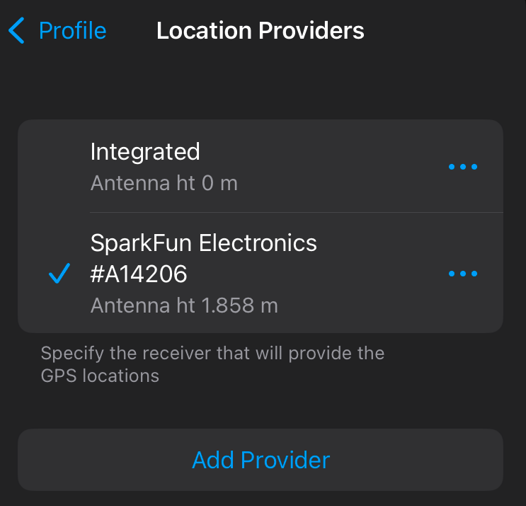
Select the SparkFun provider.
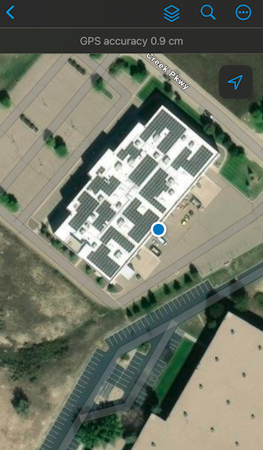
Return to the home screen and open 'World Imagery'. Confirm the device is reporting ~1 to 2cm GPS accuracy. You can now commence with work.