Diamond Maps
Diamond Maps is very easy to use and setup for RTK work. Once the app is installed, open a project.
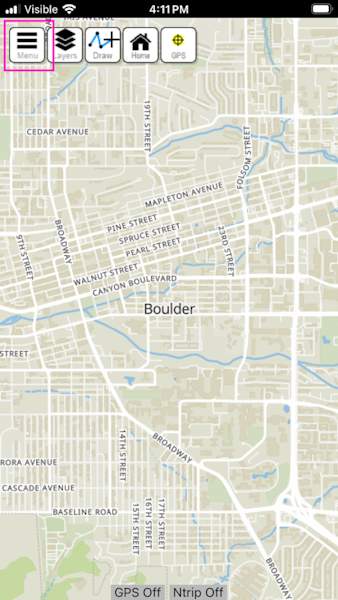
Above, select the hamburger icon to open the menu.
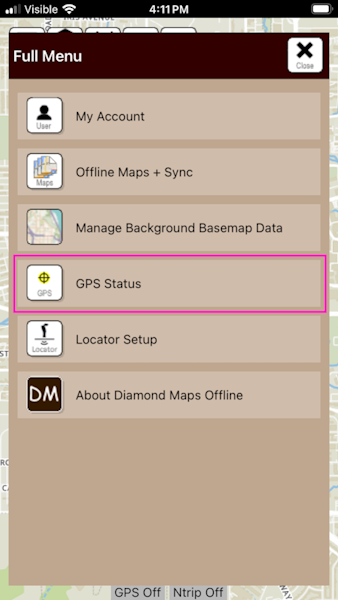
Press GPS Status to open the settings.
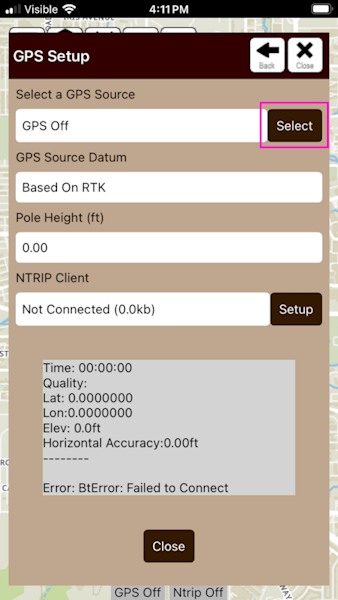
Press Select to open the GPS selection menu.
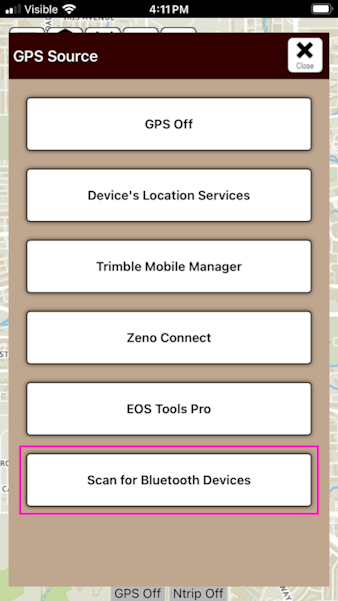
Press the Scan for Bluetooth Devices button.
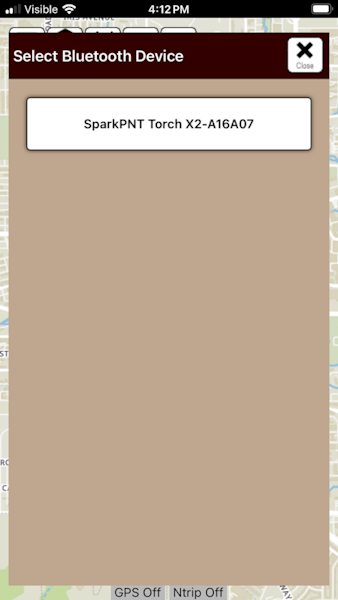
Select the SparkPNT device to connect to.
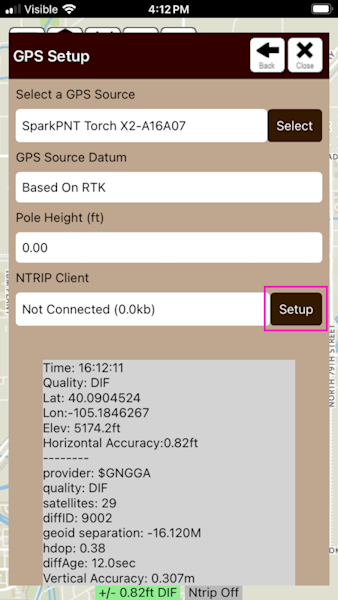
Above, we can see that we have satellites in view, with ~0.82ft accuracy. Click Setup for the NTRIP Client.
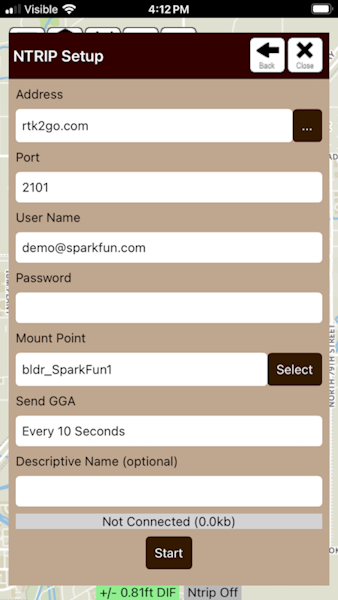
Enter the NTRIP Client Credentials for your RTK network. Do you need access to corrections? SparkFun offers a $15/month service here.
Double check that *Send GGA is set correctly. Most services require GGA be sent every 10 to 30 seconds. Once the credentials are entered, press Start.
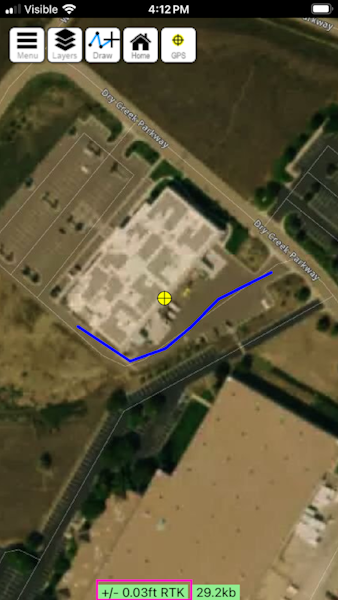
Return to the home screen and view the location. Note the accuracy is excellent at 0.03ft.