Quick Start
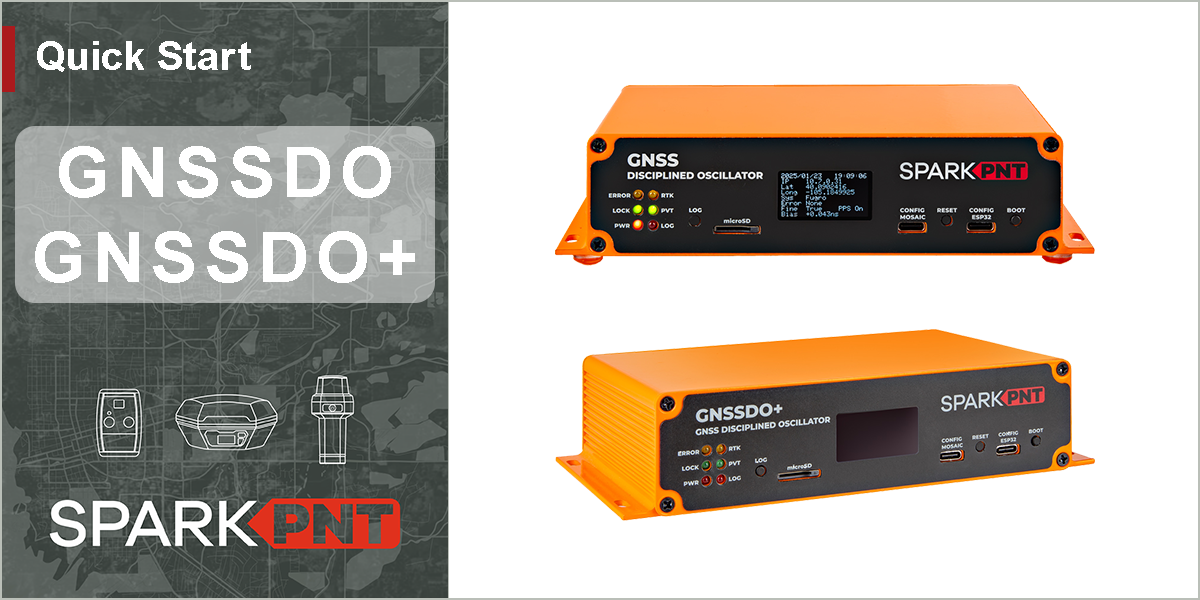
These quick start guides are intended to help users get started with the SparkPNT GNSSDO / GNSSDO+, without having to review the technical details of this product. It includes the minimum instructions to initially set up the GNSSDO(+), depending on the primary interface that users would like to utilize:
Ethernet
Instructions to connect the GNSSDO(+) to a local network with an ethernet cable. This will provide the mosaic-T module with network connectivity for its internal web server; where, users can access its web pages with any computer or mobile device to configure the mosaic-T GNSS module.
USB - mosaic-T
For users that just want to interface and configure the mosaic-T GNSS module, inside the GNSSDO(+), directly through a computer
USB - ESP32
For users that want to interface with the firmware running on the GNSSDO(+), using a terminal emulator on a computer
For users who have lost the pamphlet in their kit, please check out the links below to download or view the *.pdf file: