ArcGIS Survey123
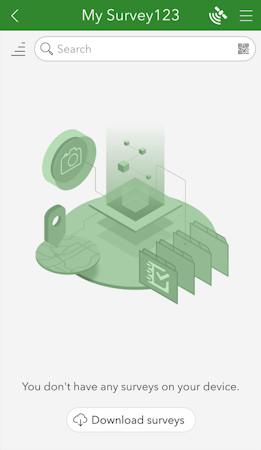
ArcGIS Survey123 is a popular offering from Esri that works well with SparkFun RTK products.
ArcGIS Survey123 connects to the RTK device over TCP. In other words, the RTK device needs to be connected to the same WiFi network as the device running ArcGIS. Generally, this is an iPhone or iPad.
!!! note The iOS hotspot defaults to 5.5GHz. This must be changed to 2.4GHz. Please see Hotspot Settings.
The RTK device must use WiFi to connect to the data collector. Using a cellular hotspot or cellphone is recommended. In the above image, the device will attempt to connect to iPhone (a cell phone hotspot) when WiFi is needed.


From the home screen, click on the hamburger icon in the upper right corner.
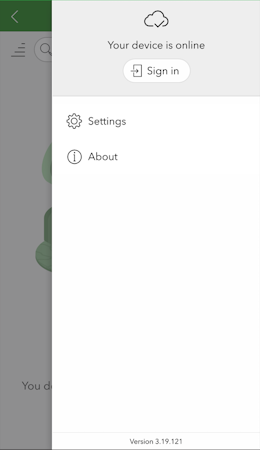
From the settings menu, click on the Settings gear.
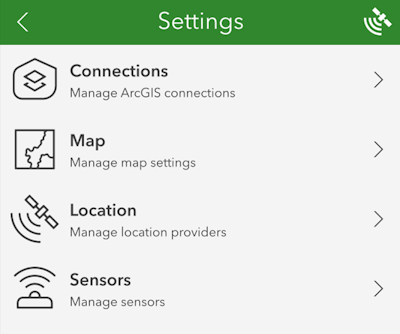
From the settings list, click on Location.
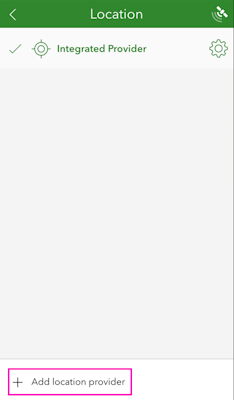
Click on the Add location provider.
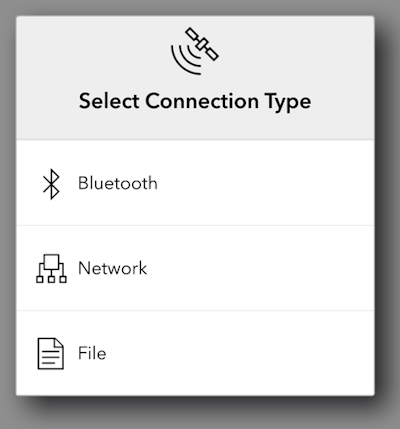
Select Network.
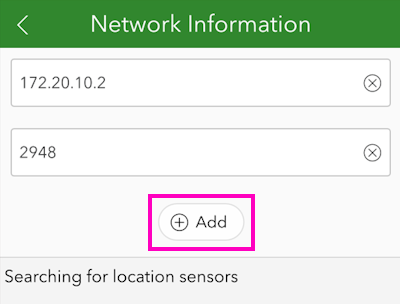
Enter the IP address previously found along with the TCP port. Once complete, click Add.
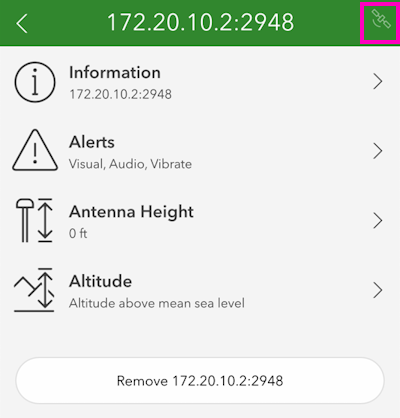
You may enter various sensor-specific settings including antenna height, if desired. To view real-time sensor information, click on the satellite icon in the upper right corner.
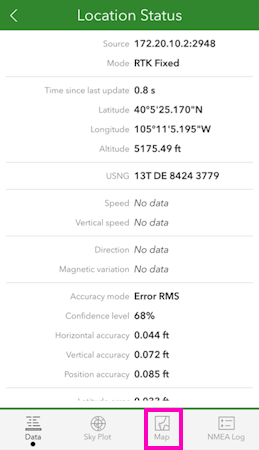
The SparkFun RTK device's data should now be seen. Click on the Map icon to return to the mapping interface.
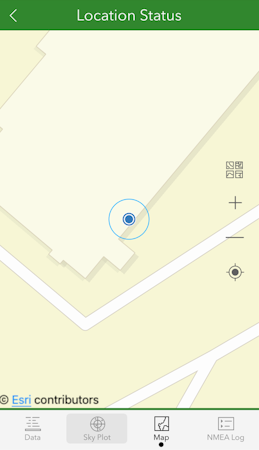
Returning to the map view, we can now begin gathering point information with millimeter accuracy.